Stored Attributes
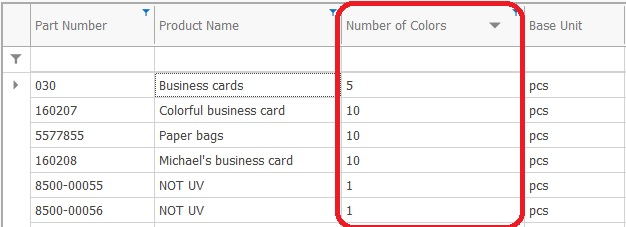
Stored Attributes (also called "Custom Properties" and "Custom Attributes" ) allow the user to extend the data model with user-defined attributes. Stored Attributes store values in the database, extending the system tables.
Similarity With System Attributes
The stored attributes behave mostly like the system attributes. They can be shown in columns, grouped and filtered in navigators just like system attributes. Again similar to system attributes, they can have default values and be shown in the view of data forms.
Most of the time, the end users can't (and do not even need to) distinguish between system and stored attributes.
It is up to the implementation team to define stored attributes that fit best the implementation requirements.
Make Proper Use of Stored Attributes
Note
Many stored attributes can easily be defined and set as "required". However, this might endanger the whole ERP implementation, since requiring too much data entry for each operation can alienate the end users from the system. Carefully balance the business needs with the end user comfort.
Store Attributes are a powerful and flexible solution, and as such, must be used with the proper care and attention to detail.